

YouTube is without doubt the best video sharing platform. There are tons of videos that you can find here on almost everything on earth and beyond. You may want to download a video for entertainment, educational purpose or for some business need. While there are many software programs that can be used for downloading YouTube videos, not all of them are equally good. Some provide better user experience than others. There are some YouTube video downloaders that are bundled with viruses while others have scores of annoying ads. So choosing the best programs can be a bit tricky.
[[ad]]
Here are top 10 YouTube video downloading software programs that can help you download and save your favorite videos without having to worry about a thing.
1. Orbit Downloader
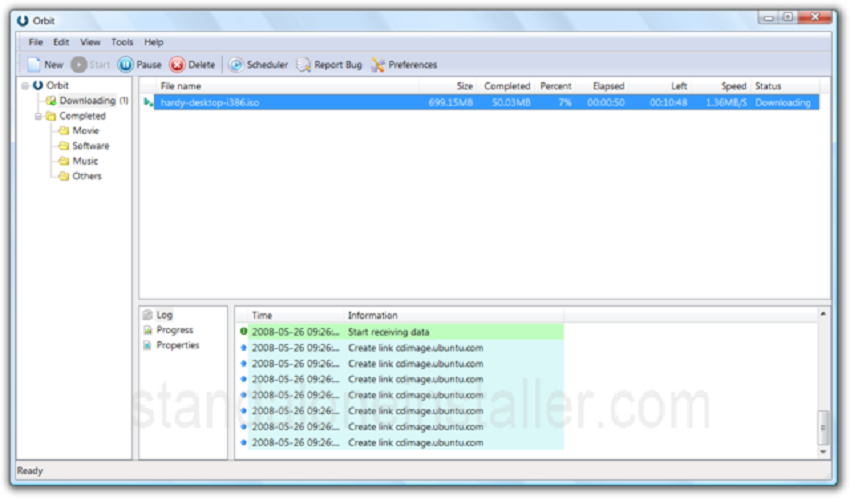
Orbit Downloader is a valuable software for downloading YouTube videos. It has a simple interface, but it also has some buttons that might appear to be complicated for some users. There is no need to get into the updates as such. In addition, remember that it is not the greatest option out there for downloading videos that are bigger than 400MB. But overall a good YouTube video downloader for general purpose.
2.iSkysoft iTube Studio for Mac and Windows
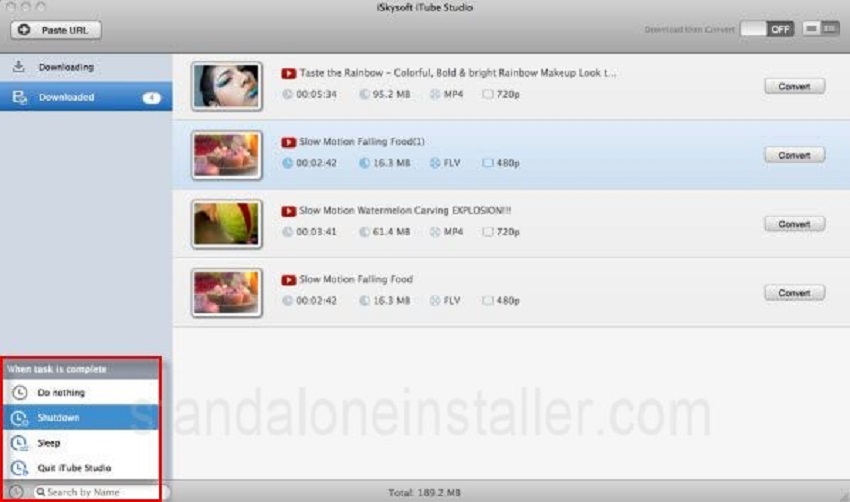
This program is great for those who wish to download YouTube videos. It is free of all issues such as virus attacks and ads. In addition, this YouTube downloader is very easy to use. Just a single click can help you download any YouTube HD, 4K UHD videos, and YouTube VEVO videos. You can also convert any YouTube or other videos to any formats with the help of iSkysoft iTube Studio for Mac and Windows.
3. Freemake Video Downloader
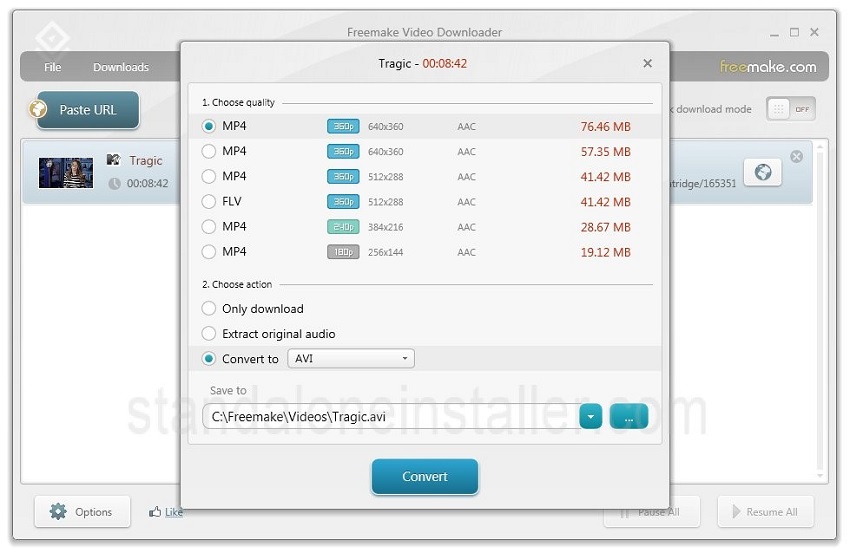
We cannot deny the importance of a platform such as YouTube which is brimming with videos for various purposes. However, there are times when we don’t have internet access and in turn we cannot use these videos. Freemake Video Downloader is a powerful tool that can help you when you have no internet connectivity to watch your favorite videos. Just download the software and paste URLs from YouTube to download your videos in minutes. The program has a smooth interface so you can use it with ease. It also works well for converting videos to other formats.
4. HD YouTube Downloader
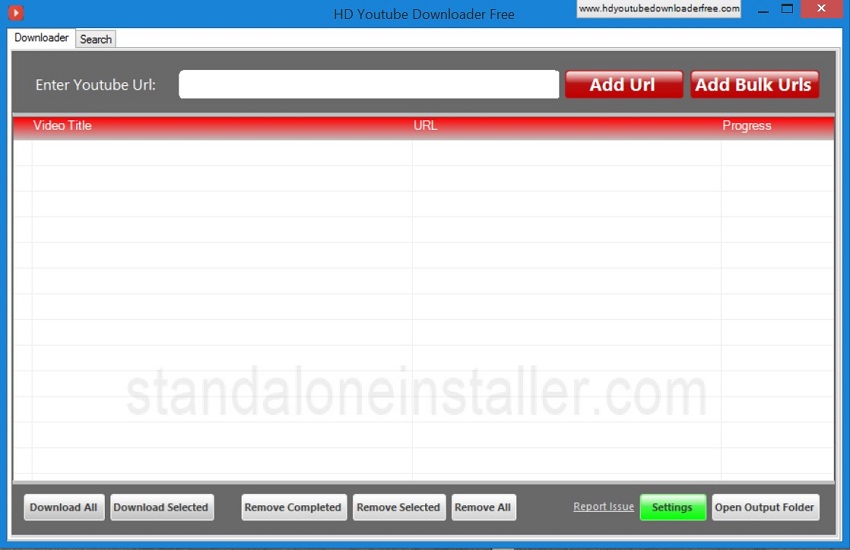
HD YouTube Downloader is a wonderful program that can help you have the videos from YouTube within no time. It's very easy to use software and we can download multiple files at a time. With settings we can controls simultaneous number of videos we want to download or set download folder.
5. ClipGrab
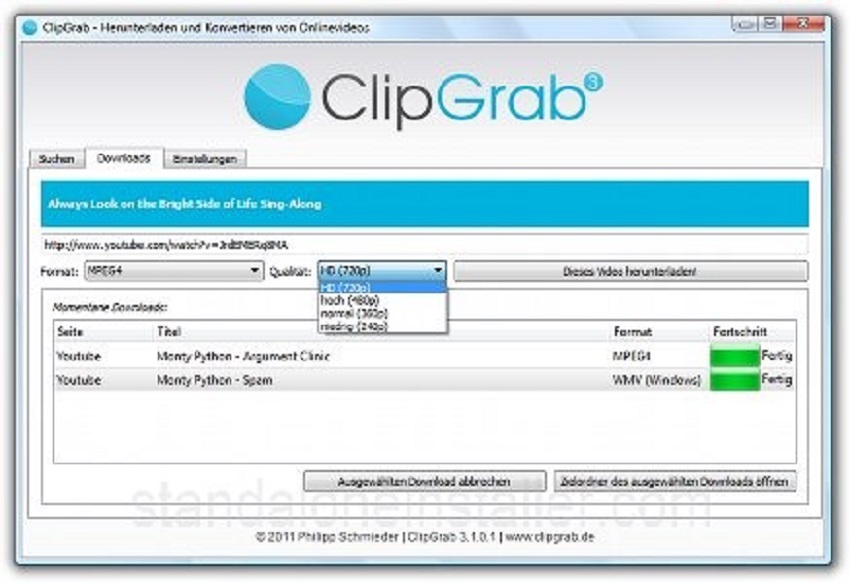
This is a very fast YouTube video downloader. But to make the most of it just ignore all other installation options. It helps you download videos very fast. So if time is your concern it can be your best bet. But remember that in terms of quality of video and audio it may not be the best option.
[[ad]]
6. aTube Catcher
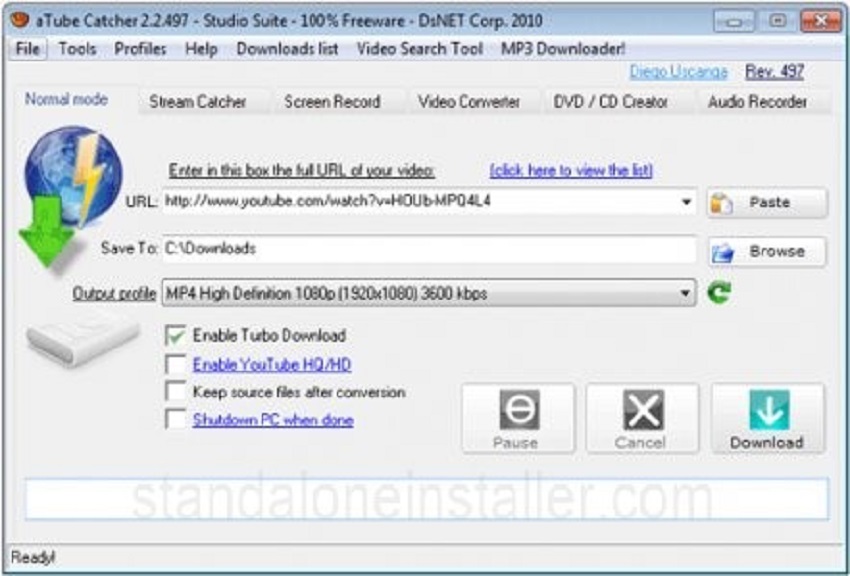
Whether you want to videos for fun or work, here is a brilliant YouTube video downloader that can help. aTube Catcher works efficiently and is free of all ads. You get all you need for video handling. No need to worry about platforms as it works well for both Windows and Mac.
7. YTD Video Downloader
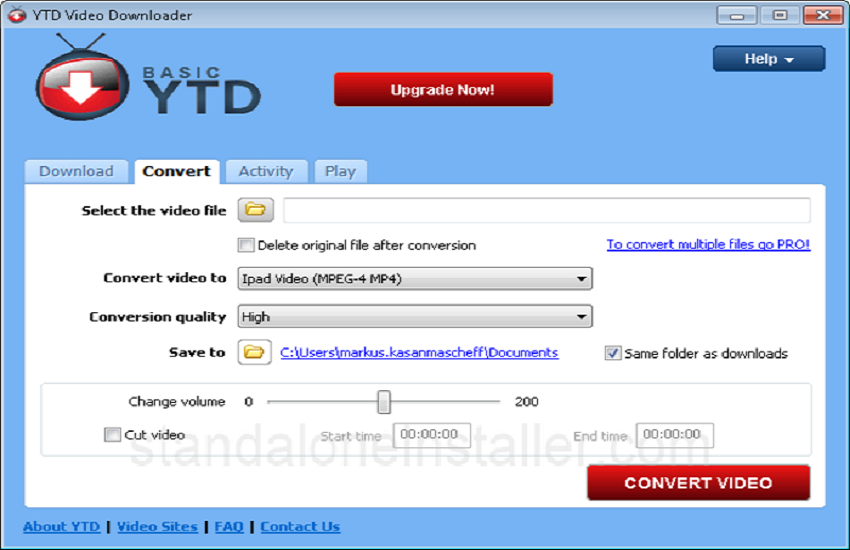
YTD Video Downloader is another YouTube downloader that allows you to paste the URL, select the quality of video you want and save it on your PC. While the program is very easy to use, its free version is limited.
8. Free Studio
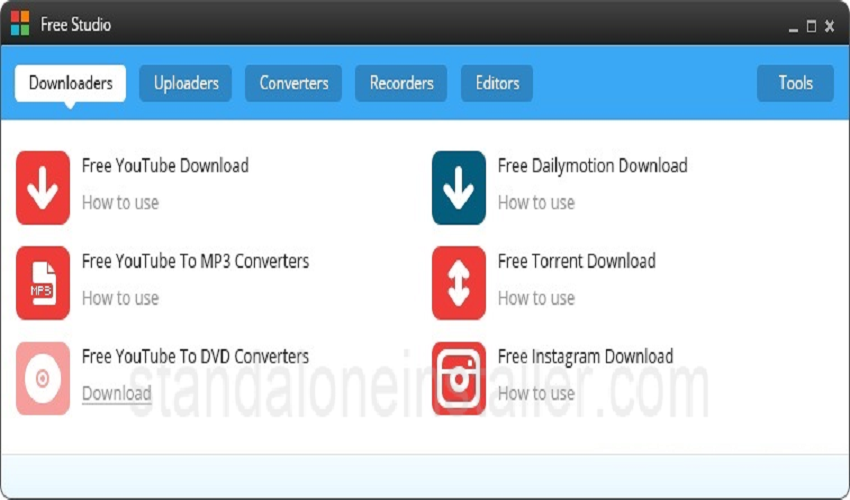
An all-in-one YouTube video downloader, this program offers a number of small apps that are meant for media handling. This tool can help you in downloading, editing as well as convert your videos with ease. Its app Free YouTube Download has a very user friendly interface and makes one of the best choices out there to download your videos.
9. 4K Video Downloader
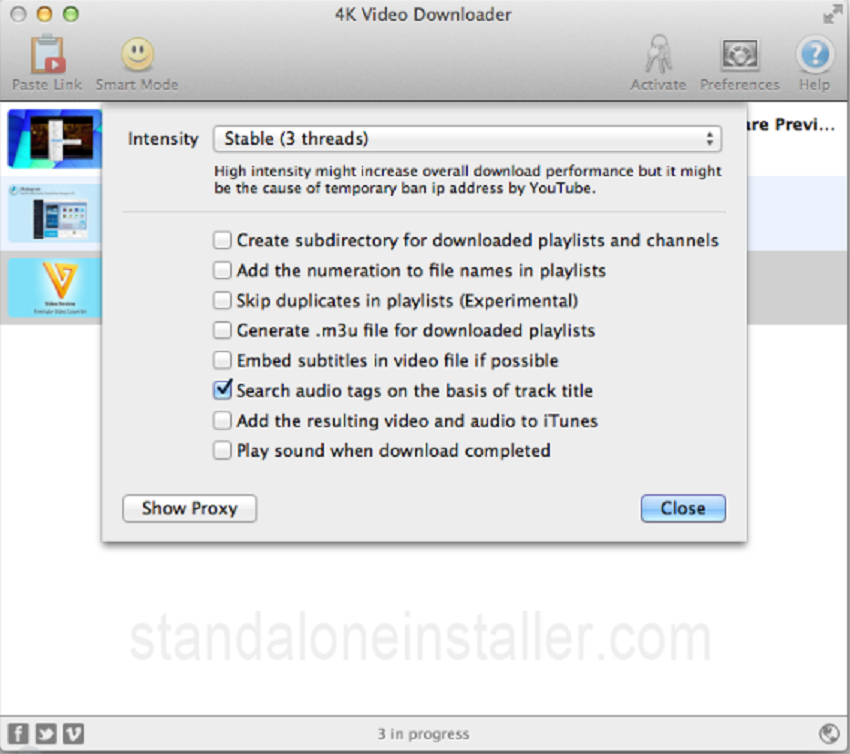
This YouTube video downloader is great one with a simple interface and perfect design. It has a white window with few simple and clear icons which makes the program very easy to use. You can paste as many URLs as you want and then set the quality of the video as per your choice. It works well so you can use it for saving your videos whenever as you like.
10. Free YouTube Downloader
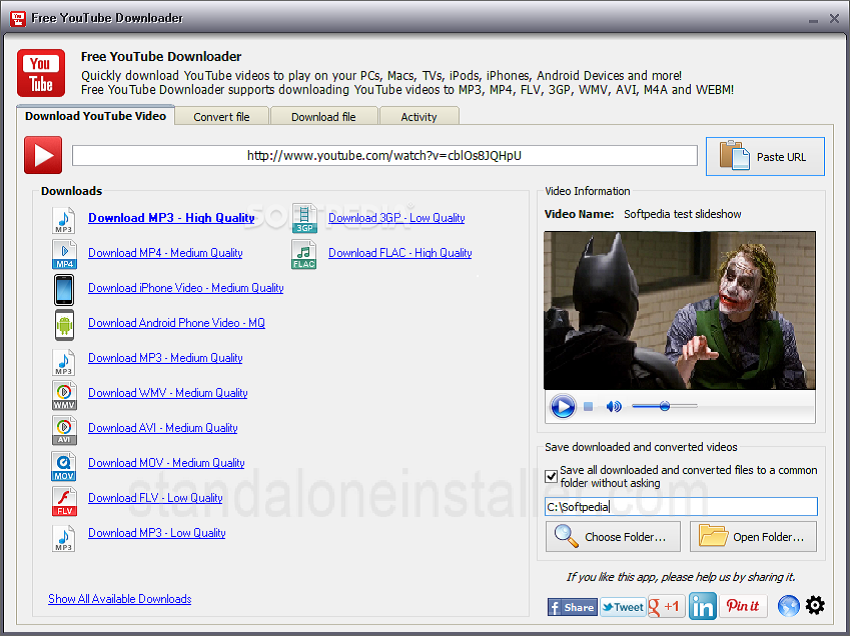
This is a useful program that can help you download videos with ease. Just as it name says, Free YouTube Downloader is a free YouTube video downloader which works fast. It is very simple to use. There is only one main window and a blank space where you need to paste your video URL. So those who are reluctant to use software programs due to their confusing windows can use this program without any hesitation.
Making a decision
The type of YouTube video downloader you should opt for depends on a number of factors. Firstly, you need to determine your need. Next, you need to decide if you are ready to spend some money for downloading your videos. If you want to save videos for professional purpose, investing in a good software is not a bad idea at all. Those who are simply crazy about watching videos may also go for the paid options if the free software don’t prove to be good enough. Users who want to downloader YouTube videos may also consider the free programs that offer decent features. So before you make up your mind, ask yourself why you have to download video and what your budget is so that you may make the right decision.
[[ad]]
While choosing a YouTube video downloader, remember that you should carefully choose options while installing a program. Avoid programs that seem to be suspicious as they may have malware or other viruses. The above mentioned programs are safe and also reliable so if you are to go for them, you don’t have to worry about much.